
The Ultimate Fix-It Guide: Why Is My Lost Mary Not Charging?
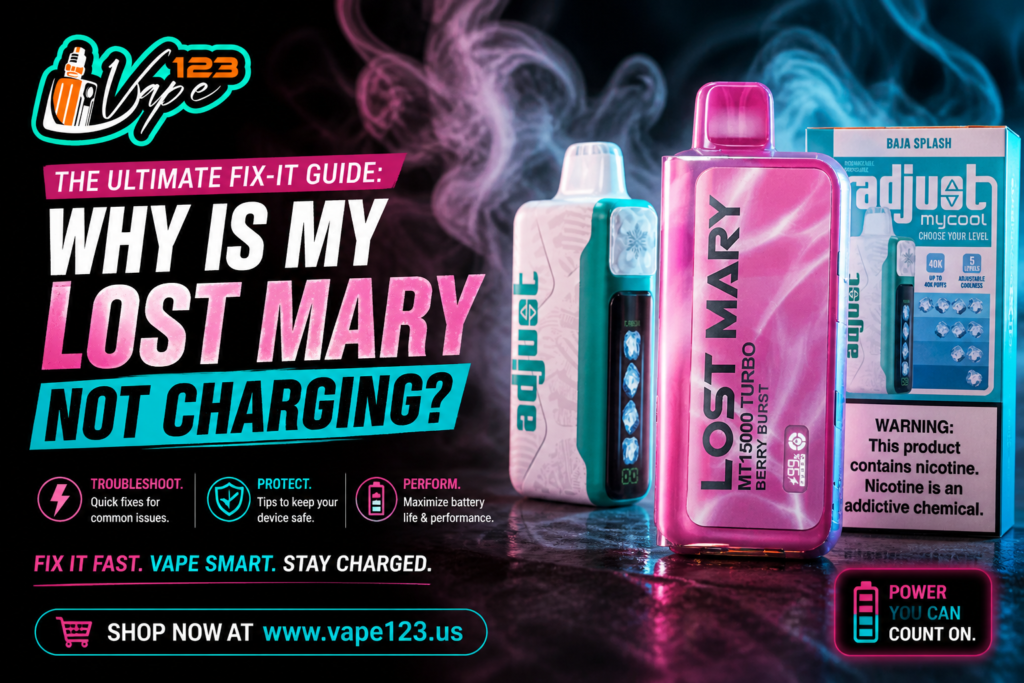
I have been in a situation where I reached for my device, expecting a smooth hit, only to find the indicator light remaining dark. When you are using a Lost Mary, you expect a certain level of reliability, but even the best hardware can encounter power issues. I have personally experienced the frustration of a device that refuses to take a charge, especially when you are away from home. This guide is my factual, step-by-step breakdown to identifying why your power connection is failing and how to resolve it using the right tools and habits.
The Problem is that many users treat their disposables roughly, tossing them into bags or using incompatible charging cables. I have noticed that a significant number of charging failures aren’t actually hardware defects but are instead caused by simple environmental factors like lint or improper voltage. This Agitation—the feeling that you have wasted money on a device that is now a paperweight—is enough to ruin any vaper’s day. My Solution is a systematic approach to troubleshooting. By checking the connection points, cables, and power sources in a specific order, I have found that most Lost Mary charging issues can be fixed in under five minutes without needing a replacement.
Systematically Troubleshooting Your Lost Mary Power Issues
I consider the internal battery of a disposable to be its most sensitive component. While brands like those found on Vape123 are built to high standards, they are still subject to the laws of electronics. If your light isn’t pulsing when you plug it in, I recommend starting with the most basic physical checks before assuming the internal circuitry has failed.
Inspecting the USB-C Port for Obstructions
I have found that the most common reason for a failed connection is actually quite simple: pocket lint. Because I often carry my device in my pocket or a cluttered bag, the charging port acts like a magnet for small debris.
- Visual Check: I use a bright light to peer into the USB-C port at the bottom of the device.
- Cleaning Method: If I see any dust or lint, I use a non-metallic tool, like a wooden toothpick, to gently hook out the debris.
- Compressed Air: I sometimes use a quick burst of canned air to ensure the tiny pins inside the port are completely clear of microscopic particles.
- The “Wiggle” Test: I have noticed that if a cable feels loose, it is usually because lint is preventing the plug from seating fully. Once cleared, the cable should “click” into place.
Evaluating the Cable and Power Source
I have realized that not all USB-C cables are created equal. I have a drawer full of cables from various electronics, but some are designed only for low-power data transfer and cannot deliver the current required to charge a vape battery.
- Cable Swap: The first thing I do when a device won’t charge is swap the cable for one I know works, such as my phone charger.
- Wall Plug vs. Computer: I have found that charging via a computer USB port is often more stable for these devices. Some high-speed “fast-charge” wall bricks for tablets deliver too much amperage, which can trigger the device’s internal safety shut-off.
- Outlet Check: It sounds simple, but I always verify the outlet is live. I have spent ten minutes troubleshooting a device only to realize the power strip was turned off.
Technical Maintenance: Protecting Battery Longevity
I believe that a little bit of preventative maintenance goes a long way in ensuring your Lost Mary lasts until the e-liquid is completely gone. I have developed a few habits that have significantly decreased the frequency of battery issues for me.
Avoiding the “Deep Discharge”
I try never to let my battery hit 0% if I can help it. I have noticed that when I plug the device in as soon as the light starts flashing low, the charging cycle is much faster and the device stays cooler. Constantly draining a lithium-ion battery to absolute zero can chemically stress the cell, making it harder for it to “wake up” during the next charge cycle.
Temperature Management During Charging
I never charge my device in extreme environments. I have made the mistake of leaving a device to charge on a hot car dashboard, and I found that the battery struggled to hold a charge afterward. I always find a cool, flat surface for my charging sessions. If the device feels hot to the touch while plugged in, I unplug it immediately and let it rest for ten minutes before trying again.
Common Signs of a Defective Unit
Sometimes, despite my best efforts, a device simply won’t revive. I have learned to recognize the factual signs that a battery has reached its end of life or suffered a terminal failure.
- The “Stay-On” Light: If I plug the device in and the light stays on solidly but never goes off, it often indicates a short circuit in the internal wiring.
- Auto-Firing: If the device starts “hissing” or firing on its own when plugged in, I immediately move it to a non-flammable surface and stop using it. This is a sign of a faulty sensor.
- No Light After 30 Minutes: If I have tried three different cables and two power sources, and there is still no light after 30 minutes, I accept that the internal fuse has likely blown.
- Leaking E-Liquid: I have noticed that if juice leaks into the bottom compartment, it can coat the battery terminals. If I see liquid coming out of the charging port, the device is usually beyond repair.
Why Quality Sourcing Matters
I have found that where I buy my devices matters just as much as how I charge them. I prefer using established platforms like Vape 123 because the risk of getting a “dud” or a counterfeit unit is significantly lower. Counterfeit devices often use Grade-B or recycled batteries that don’t follow standard charging protocols, which can lead to the very issues I am trying to fix. By sticking with a reputable source like Vape123, I know that the hardware inside my Lost Mary is genuine and built to handle the hundreds of charge cycles it’s rated for.
Final Thoughts: A Proactive Approach to Vaping
I am personally convinced that 90% of “dead” vapes are actually just poorly connected. By following this systematic approach—cleaning the port, testing the cable, and managing the temperature—I have saved myself a lot of money and frustration this year. I no longer panic when the light doesn’t immediately pulse; I simply go through my checklist.
When I treat my hardware with a bit of technical respect, it rewards me with consistency. Whether I am using a classic model or a new high-puff variant, knowing how the power system works makes the experience much more reliable. If you are currently staring at a device that won’t light up, take a toothpick and a fresh cable, and give these steps a try. In my experience, a little bit of cleaning is usually all it takes to get back to a satisfying session.
Looking for premium fruit and toast-inspired e-liquids? Explore the full range of Jam Monster Vape Juice flavors for a smooth and satisfying vaping experience.